
A little gift for your family
How to order your complimentary 8×10 print
Once we’ve enabled your complimentary print in your gallery, follow these four steps to turn a favorite photo into a keepsake.
One 8×10 print$0.00 checkoutSchool or studio delivery
Let’s order your printYour print, in four simple steps
Open your gallery
Use the gallery link we already emailed you and log in to your family’s gallery.
Find your complimentary package
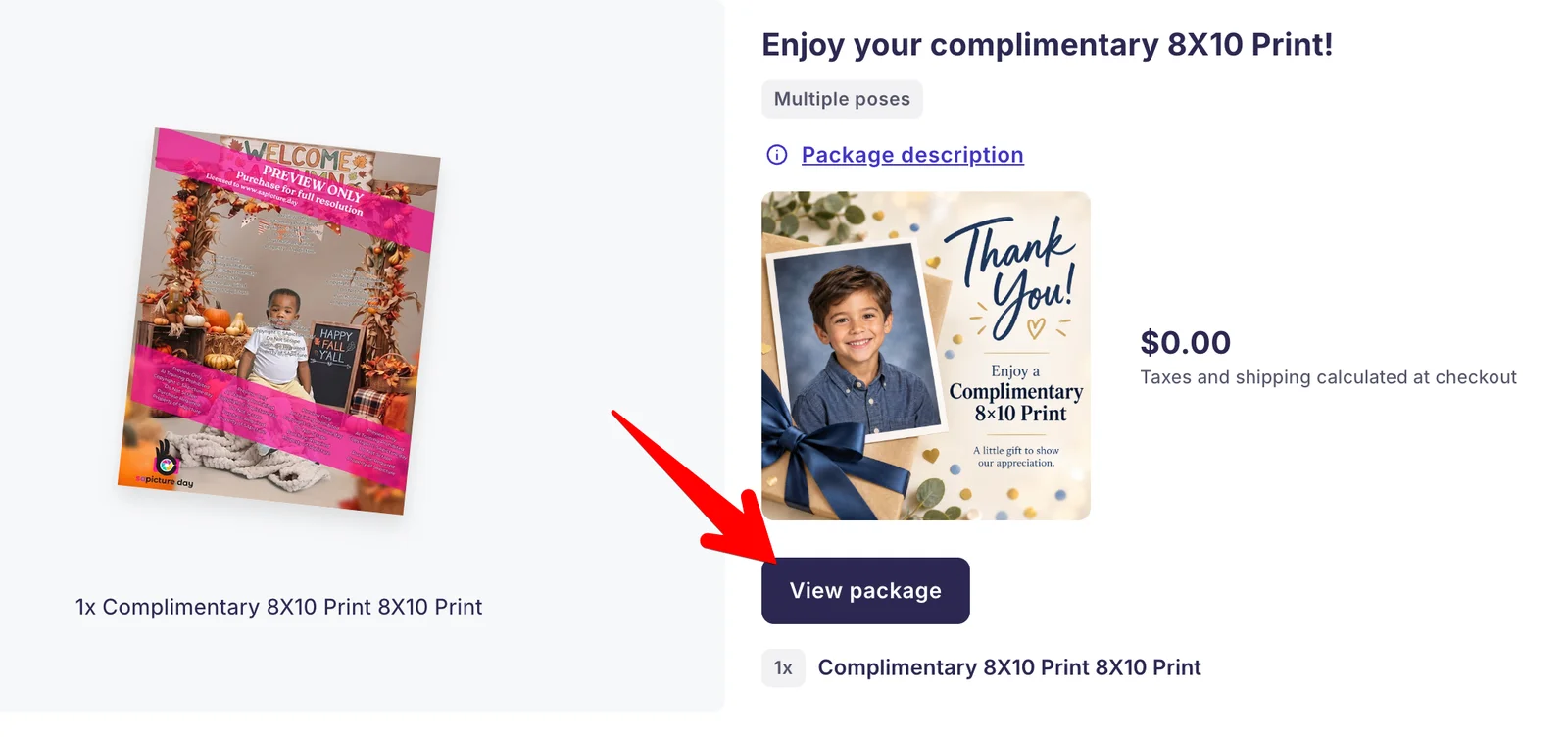
Look for “Enjoy your complimentary 8X10 Print!” — usually the second package in the list. Check that it shows $0.00, then select “View package.”
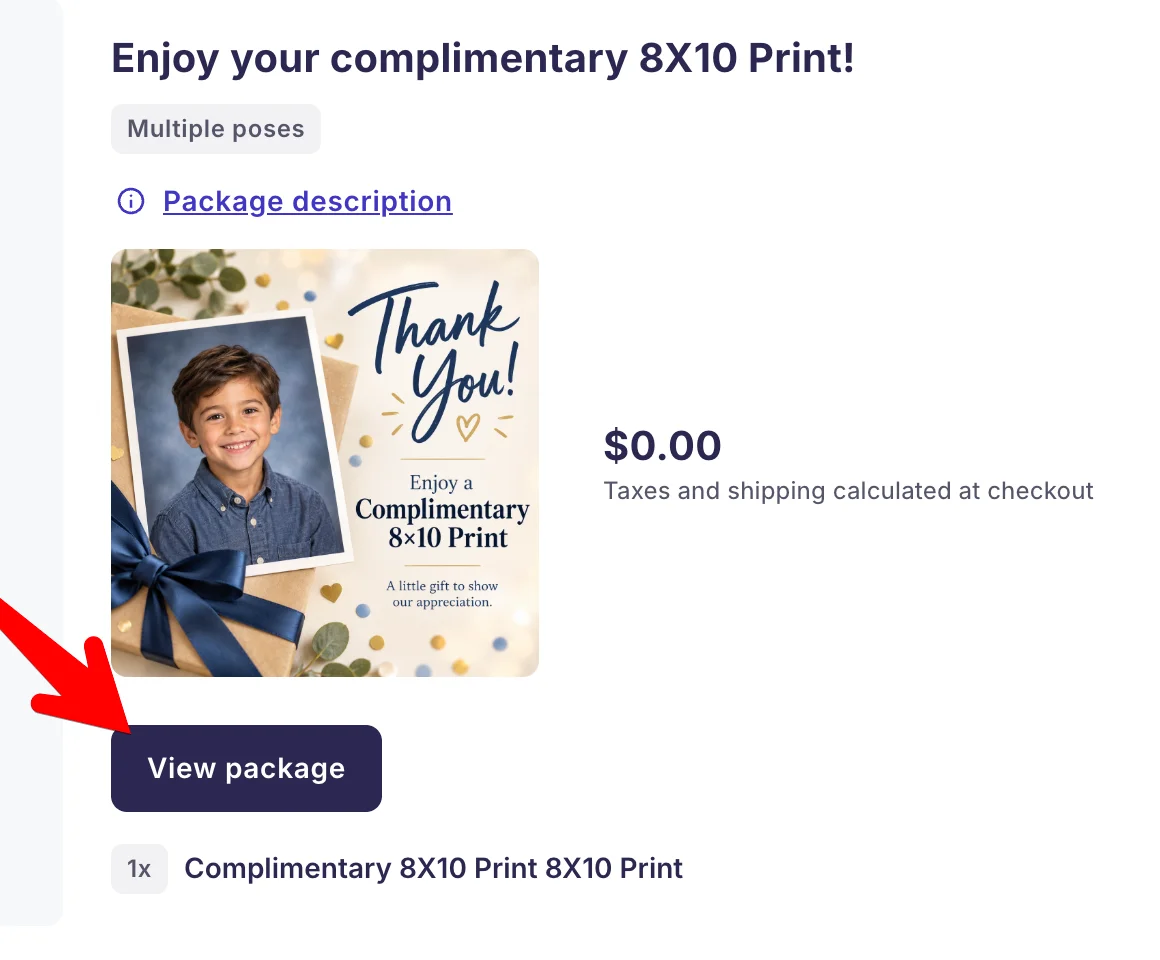
Choose the package titled “Enjoy your complimentary 8X10 Print!” and select “View package.” View the full screenshot Choose your favorite photo
Select “Select & edit photos,” then choose the photograph you would like printed.
Add to cart and check out
Select “Add to cart” and complete checkout. For your complimentary print, the order total should be $0.00.
What happens next?
We’ll deliver your print to your school or studio’s front desk or administrative team. They’ll pass it along to your family.